Free
€0forever
- Unlimited local clips, no watermark
- Editor and Export for Discord
- 3 cloud clips with share links
- No account needed to record
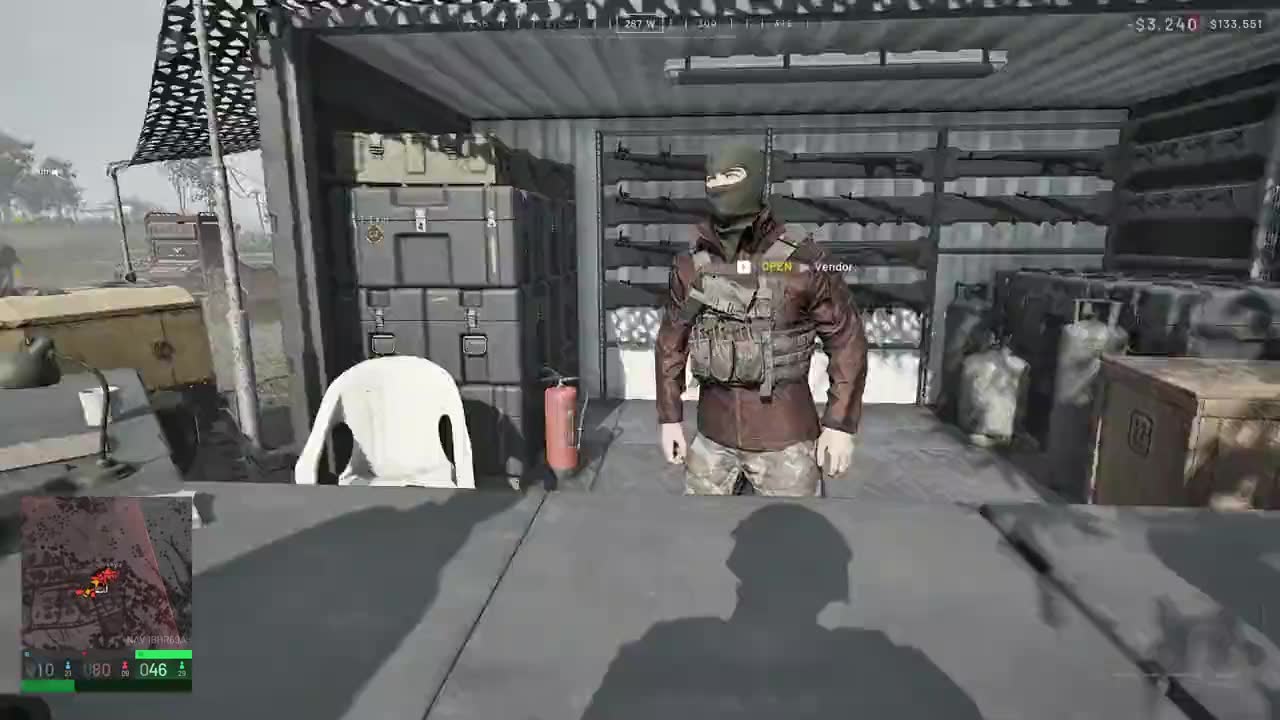
Rikette keeps the last 60 seconds of your game in memory. Press Alt + 1 and it’s an MP4, ready to trim, drop in Discord or share as a link.
Unlimited local clips, no watermark, no account to record. Pro is only for cloud storage.
Pricing →Every line of the desktop app is public. Read it, build it, see exactly what runs on your PC.
Under the hood →0% CPU with the window open. Rust, and only the 57 MB of OBS a replay buffer needs.
In Task Manager →Three steps
Rikette sits in the tray and keeps the last 60 seconds of your game in memory. Nothing is written until you ask.
The clip is already encoded, so the last minute is written straight from memory: no re-encode, nothing to wait for. A “Clip saved” banner pops up in-game.
Trim it, drop it in Discord with Export for Discord, or upload it and paste the link anywhere.
Light · while you play
Even with its window open, Rikette sits at 0% CPU and a few megabytes of memory. Less than your music player, a fraction of a chat app.
Recording runs in its own process, which holds the last minute in memory and encodes on your GPU, so your game keeps its frames. No browser engine bundled, and only 57 MB of OBS’s 466 MB.
| Name | CPU | Memory | Disk |
|---|---|---|---|
| Discord (6) | 0% | 592.8 MB | 0.1 MB/s |
| Firefox (22) | 1.4% | 5,193.2 MB | 0.2 MB/s |
| Rikette | 0% | 6.9 MB | 0 MB/s |
| Spotify (8) | 1.3% | 796.3 MB | 0.1 MB/s |
| Steam Client WebHelper (9) | 0% | 731.4 MB | 0 MB/s |
The desktop app is GPL-3.0. Read the code, build it yourself and see exactly what runs on your PC. No feed, and no account needed to record.
The app and its recorder are Rust: small, quick to start and careful with memory. Recording runs in its own process, so a crashing game hook never takes the app down, and it restarts on its own.
Records with libobs, the engine inside OBS Studio: the same game capture and the same NVENC, AMF and Quick Sync encoders streamers use. Without the scenes to set up.
In the editor and the clip menu
A full clip is too big to post without Nitro. One click makes a copy under 20 MB, at the best quality that fits.
Everything in the app
Spots the game you are playing and hooks it on its own. If an anti-cheat blocks that, it records your screen instead of saving a black clip. Display and window modes too.
Encodes on your graphics card: NVIDIA, AMD or Intel, with x264 when there is none. Native, 1440p, 1080p or 720p, at 30 or 60 fps.
Keep the last 15, 30, 60 seconds. Alt + 1 is global and works in full screen; rebind it to any combo.
Desktop audio and your microphone are saved on separate tracks, with mic boost up to 200%.
Trim with in and out handles, loop the selection, set each audio track’s volume, then save a copy or overwrite.
One button makes a copy under 20 MB that keeps your trim and volumes. Drag it straight into a chat.
Upload a clip and its link is on your clipboard. It plays right in Discord and other chats, and stays the same if you trim the clip later.
Every clip is a plain MP4 in a folder named after the game. Browse them as a grid, search by title or game, rename in place.
Starts with Windows in the tray, restarts capture on its own if it crashes, and updates itself when you open it.
Pricing
Free
Pro
Why Rikette
Not a feed, like Medal. Not tied to one GPU, like ShadowPlay. No scenes to set up, like OBS, which it runs on.
Just the key.